

What’s New
What’s new in Workflick.
The latest from the app, for companies, job seekers and Hire for Home. Newest first, with what’s coming at the top.
- Companies
- Job seekers
- Hire for Home
- Everyone
Coming soon
-
Companies
Sponsor a Candidate
Help someone get hired. Sponsor seats that give job seekers full access to Workflick — each seat covers one job seeker, we match someone in need, and you watch your impact grow right inside the app.
Recently
-
Job seekers
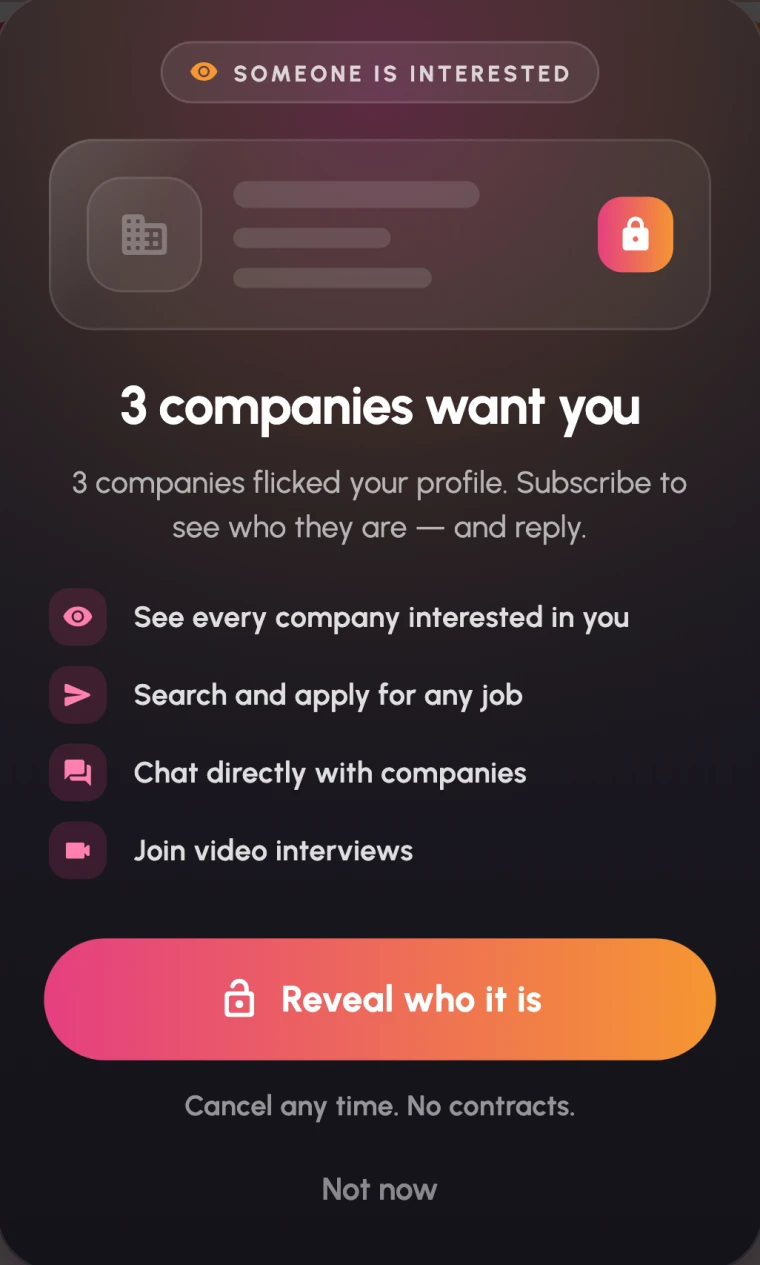
A company wants you
Companies flick too. When one flicks your profile, Workflick tells you straight away — subscribe to see who it is, and reply.
-
Job seekers
Record your intro in the browser
On a computer, hit Start recording and film your showcase video with your webcam, right in the page. Not happy? Record again.
For Individuals -
Everyone
Every showcase video is reviewed
Nothing appears on a profile until someone has watched it. Employers only see a showcase video once it has passed review, and you get a notification as soon as there’s a decision.
-
Job seekers
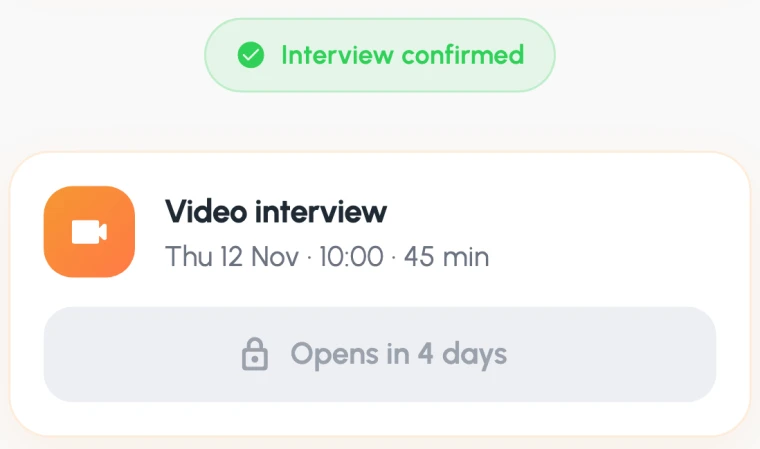
Interview minutes
Your subscription includes video-interview minutes every month. Need more? Buy a pack — purchased minutes never expire, they carry over after your monthly allowance resets.
-
Hire for Home
One account, two apps
Already looking for work on Workflick? Tap Hire for Home and the Hire for Home app opens, where you post and manage jobs around your own house. Switch back to job searching whenever you like.
Hire for Home -
Everyone
Guided tours of every screen
First-run walkthroughs dim the screen, point at the real buttons and explain what they do — the deck, the filters and the ad forms included.
-
Everyone
No more dead ends
Flicked through everything? A radar screen now offers to widen your search, instead of leaving you with an empty deck.
Earlier in 2026
-
Everyone
Meet Flick, your in-app assistant
Ask it anything about your posts, your matches or your account. It can take you straight to the right screen, and when you ask for a person it hands you to live support.
-
Job seekersCompanies
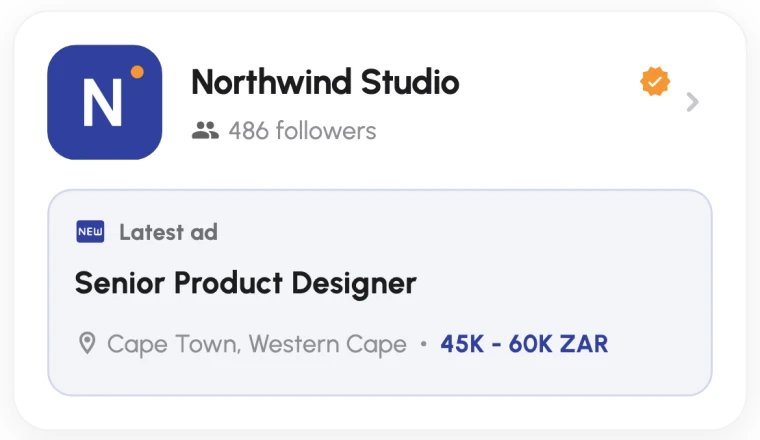
Follow companies
Follow the companies you’re interested in and get their new ads in your Activity feed. Companies see how many people follow them, and who.
-
Hire for Home
Hire for Home
Post jobs around your own house — a cleaner, a gardener, a nanny and more. Describe what you need in a sentence and the AI Assistant fills in the details for you.
-
Hire for Home
Search Filters for home jobs
Narrow the people you see by age, distance, languages, salary expectation and more — even Non-smoker or Has video.
See it for yourself.
Registration is quick, simple, and designed to get you connected fast.